7 min read
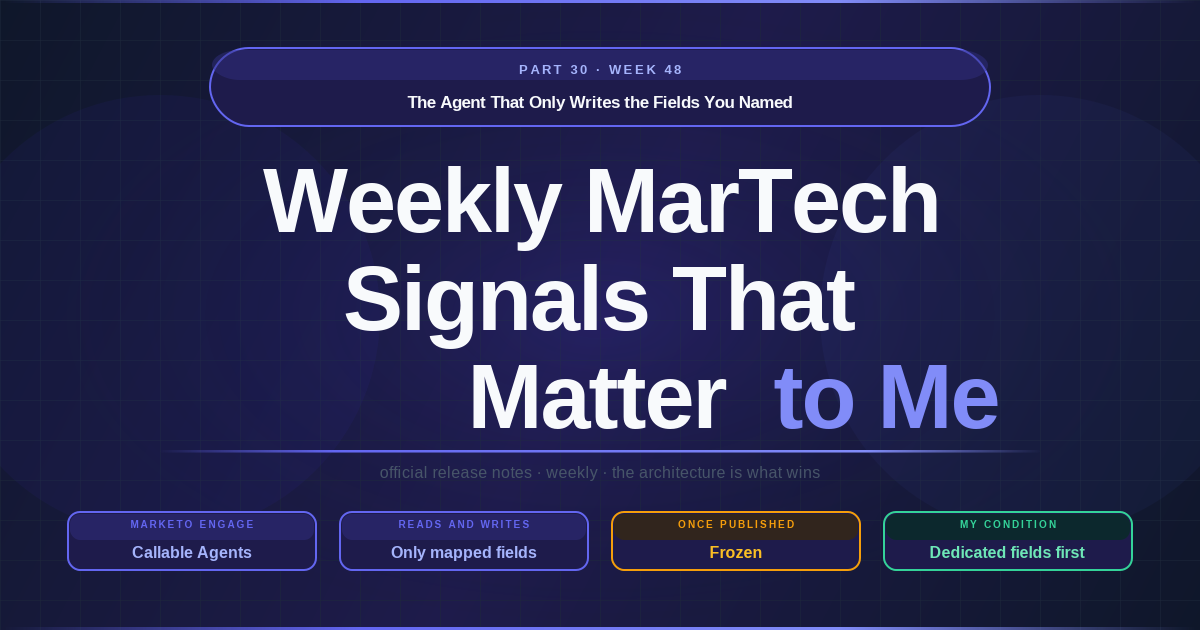
The Agent That Only Writes the Fields You Named
The Marketo Engage release notes, in the version updated on 25 November, list Callable Agents as Released; until then they were listed as coming soon, as the Week 48 MarTech Watch records. A callable agent is an AI agent used as a step in a Smart Campaign: Marketo sends it some fields of a lead, the agent returns values, Marketo writes them to the lead and the campaign continues. The documentation, updated on 20 November, describes an agent with very little freedom. It reads only the lead fields an administrator lists, writes only the lead fields an administrator maps, and cannot be changed after it is published. My position is that these limits are the reason to use it, and that an agent this narrow is one I would let run without someone watching each execution.
TL;DR
- Released, as a flow step. Marketo Engage now lists Callable Agents as Released: an AI agent runs as a step of a Smart Campaign and processes each lead independently.
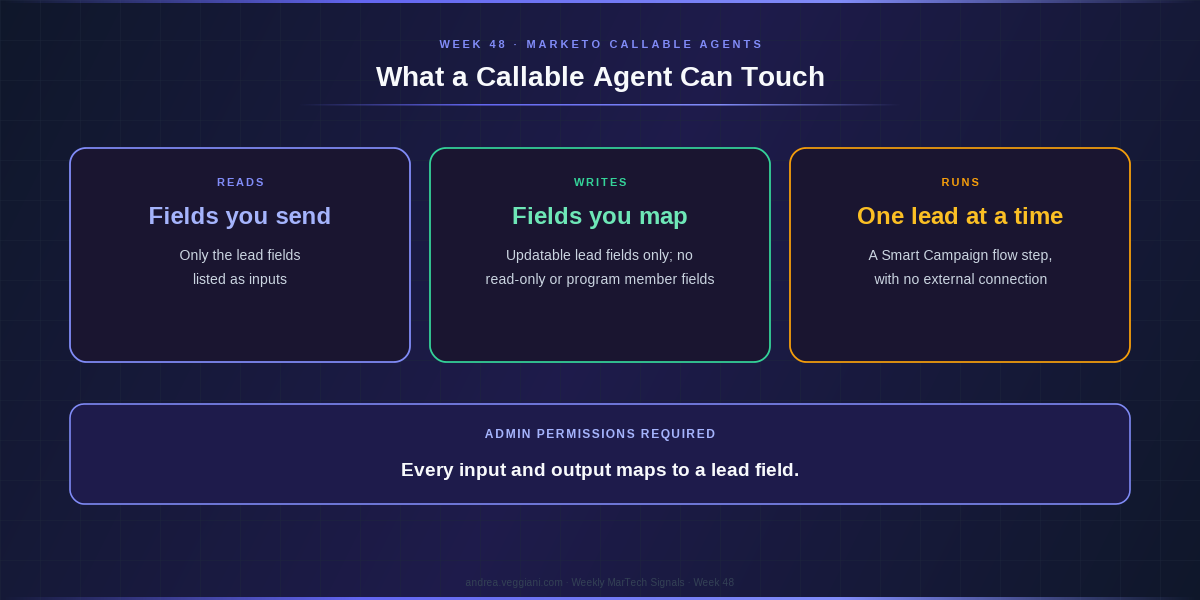
- It touches only named fields. Every input and output maps to a lead field chosen by an administrator. Read-only fields and program member fields are not supported, and no external connection is required.
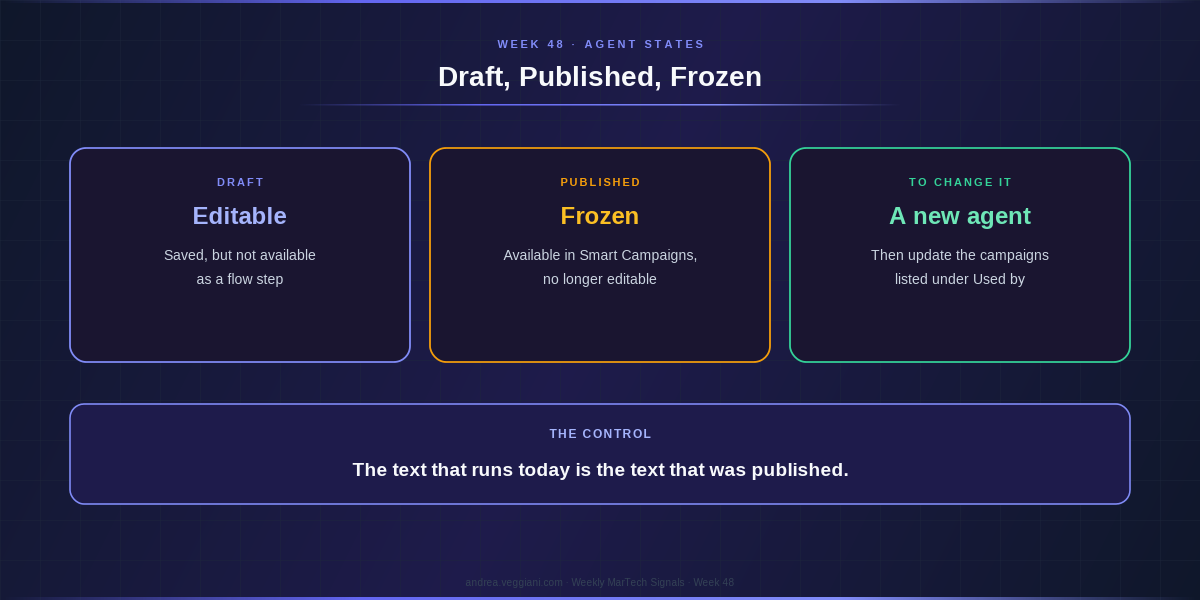
- Published means frozen. A published agent cannot be edited. A change means a new agent and an update to the Smart Campaigns that use it, which the Used by list shows.
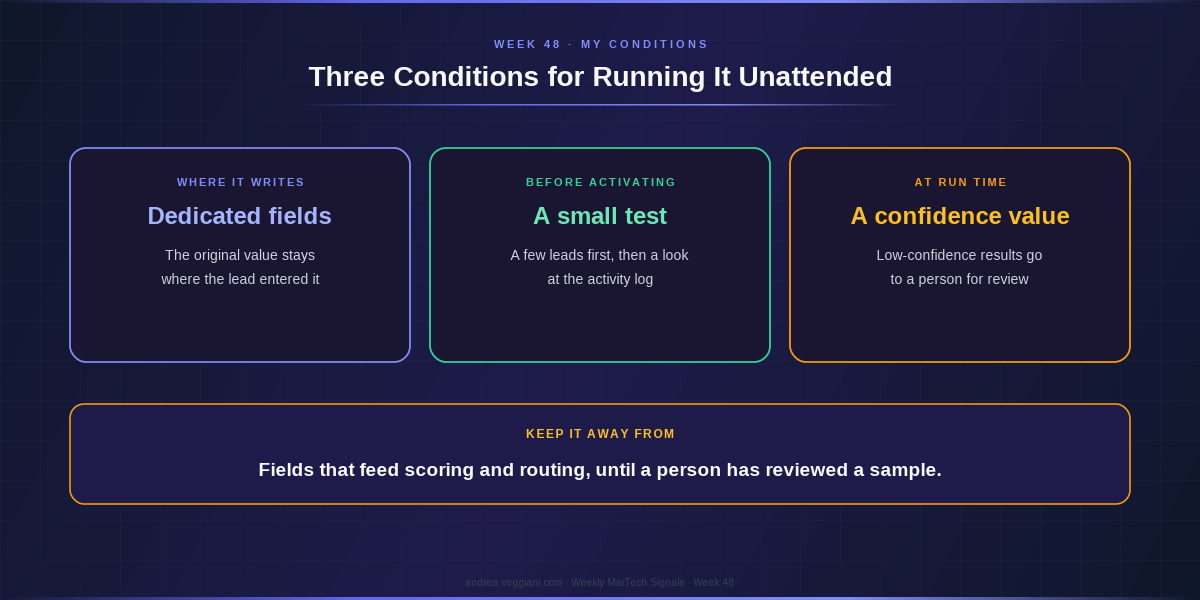
- Dedicated fields and a confidence value. I would have it write to fields created for it, keep its output away from scoring and routing until a person has reviewed a sample, and use the confidence output to send doubtful results to a person.
Marketo’s agent can touch only the fields you name
The set-up is short. An administrator opens CX Enterprise Coworker for Marketo Engage, writes the agent’s instructions in plain language and fills two lists: the lead fields to send and the lead fields to update. The documentation states that every input and output must map to a lead field, that output fields must be updatable, and that read-only fields and program member fields are not supported. Creating an agent requires admin permissions. At run time the agent processes each lead on its own: Marketo sends the mapped values, writes the returned values to the mapped fields and moves to the next step of the campaign. No external connection is required.
Adobe ships eight templates, and they show the intended size of the job: normalising a company name, formatting a phone number to the E.164 standard, standardising a job title, flagging bot or spam form submissions, spotting disposable email addresses, classifying a lead, inferring missing details and researching a company. Each takes between one and five fields and returns a handful of values.
What I find valuable is what the documentation leaves out. It describes no tools for the agent to call and no action other than returning values, and the agent receives only the fields mapped for it. Compare this with the other way an agent reaches Marketo. The Marketo Engage MCP server, on the page recorded in the Week 46 MarTech Watch, supports 182 operations. An agent connected that way is useful to a person who is working with it. For a step that runs unattended on every lead entering a campaign, I prefer the agent with two lists of fields, because I can say in one sentence what it is able to change.
I can describe everything this agent is able to change in one sentence, and that is why I would let it run.
A published agent cannot be edited, and that is the control
The second limit is the one an operations team will feel. A draft can be edited, and a published agent cannot. The documentation is direct: “Published agents are frozen because Smart Campaigns may depend on them.” To change one, the administrator creates a new agent and updates the campaigns, and a Used by list shows which Smart Campaigns reference an agent. An agent cannot be deleted while a campaign still uses it.
The objection is easy to anticipate. Instructions written in plain language improve by iteration, and a team that has to create a new agent and re-point its campaigns every time it adjusts a sentence will call this rigid. Some will keep an imperfect agent running because replacing it is work.
I think the rigidity is the right trade. In Part 25 I argued that an agent’s instructions are business rules and should be versioned outside the platform. Here the platform does part of that work on its own side: the text that runs in a campaign today is the text that was published, a change produces a new named object, and the campaigns that use each one are listed. I would still keep a copy of the instructions outside Marketo, with the reason for each version, because the documentation I read does not describe a history of changes. The question an auditor asks, which instructions processed this lead, at least has a starting point: the agent named in the flow step, whose text has not changed since it was published.
Where I would still keep it away
Narrow does not mean harmless. The agent writes to lead fields, and in Marketo lead fields are what smart lists, scoring and routing read. Two of Adobe’s own templates go in that direction: the Lead Classifier returns a segment, an industry, a persona and an intent level, and Lead Enrichment infers details that the lead did not provide. An inferred value that lands in a field the sales team trusts looks exactly like a value the customer typed.
So my use of it has three conditions. The first is mine: the agent writes to fields created for it and leaves the original value where it is, so that the normalised company name sits beside the one the lead entered. The other two come from the documentation. It asks for a test on a small set of leads and a review of the activity log before the campaign is activated for everyone, and I would extend that to any output that feeds scoring or routing: a person looks at a sample first. It also recommends adding a confidence output, so that campaign logic can route low-confidence results for review.
A peer could say that with these conditions the agent only does data hygiene, and that the interesting work, deciding who gets what, stays with rules. That is correct, and I am comfortable with it. Normalising a phone number or flagging a disposable address is work that rules do badly and people do slowly. It is also work where a wrong answer is cheap, which was my argument last week about what to move first.
Also in the record
Away from Marketo, the record of the week opens with a filing. Braze filed its preliminary proxy statement for the merger with Salesforce on 20 November: the parties expect to complete the merger in Braze’s fiscal year beginning on 1 February 2027, and the agreement sets a regulatory reverse termination fee of $300 million. Insider released React Native 9.2.0, Flutter 5.6.1 and Cordova 4.2.0, which remove the method that turned on IDFA collection, ahead of CocoaPods Trunk becoming read-only on 2 December, and Iterable put setup instructions for coding agents inside its mobile SDK repositories. Adobe Journey Optimizer added retargeting on the execution metadata of a previous message in orchestrated campaigns, in limited availability from 24 November. HubSpot announced that a merged CRM record keeps the primary record’s ID, in public beta now and for everyone on 1 March 2027. The CNIL opened a call for feedback on its recommendation on email tracking pixels, open until 3 December.
An agent that can only write the fields you named, with a text that cannot change under you, is one you can leave alone, and the first place to leave it is where a mistake is cheap.
Sources
Adobe Marketo Engage
- Marketo Engage release notes. Source for the Released status of Callable Agents, page updated 25 November 2026.
- Callable agents. Source for the field mapping, the unsupported fields, admin permissions, per-lead processing, the eight templates, the frozen state of published agents, the Used by list, the test on a small set of leads and the confidence output. Last update 20 November 2026, read in full on 26 November 2026.
Also in the record
- Braze preliminary proxy statement (PREM14A). Filed 20 November 2026.
- Insider React Native SDK changelog. Version 9.2.0, 20 November 2026.
- Iterable: AI-Assisted SDKs. Published 20 November 2026.
- Journey Optimizer release notes. Retargeting on execution metadata, availability date 24 November 2026.
- HubSpot developer changelog. Announced 24 November 2026.
- CNIL. Call for feedback of 20 November 2026.
The record
- MarTech Watch, Week 48. Every date and status referenced in this essay.
- MarTech Watch, Week 46. The Marketo Engage MCP server and its 182 operations.
- Weekly MarTech Signals, Part 25. The earlier argument that agent instructions are business rules.
- Weekly MarTech Signals, Part 29. Last week’s essay on moving first what is cheap to get wrong.
- Weekly AI Tools, Part 18. The same week on the agentic work platforms.
The digest behind each weekly article is produced through a structured AI-assisted scan of official release notes and product update sources. I review the output, verify the relevant signals and write the architectural interpretation.
This article draws from the Martech Weekly Digest scans run on November 26, 2026, covering 20 to 26 November across several CEP platforms and vendors. The dated record behind it is in MarTech Watch, Week 48.
If you find errors or gaps in coverage, I want to know. The process improves when the output is challenged.