7 min read
A Policy Lives One Level Above the Person
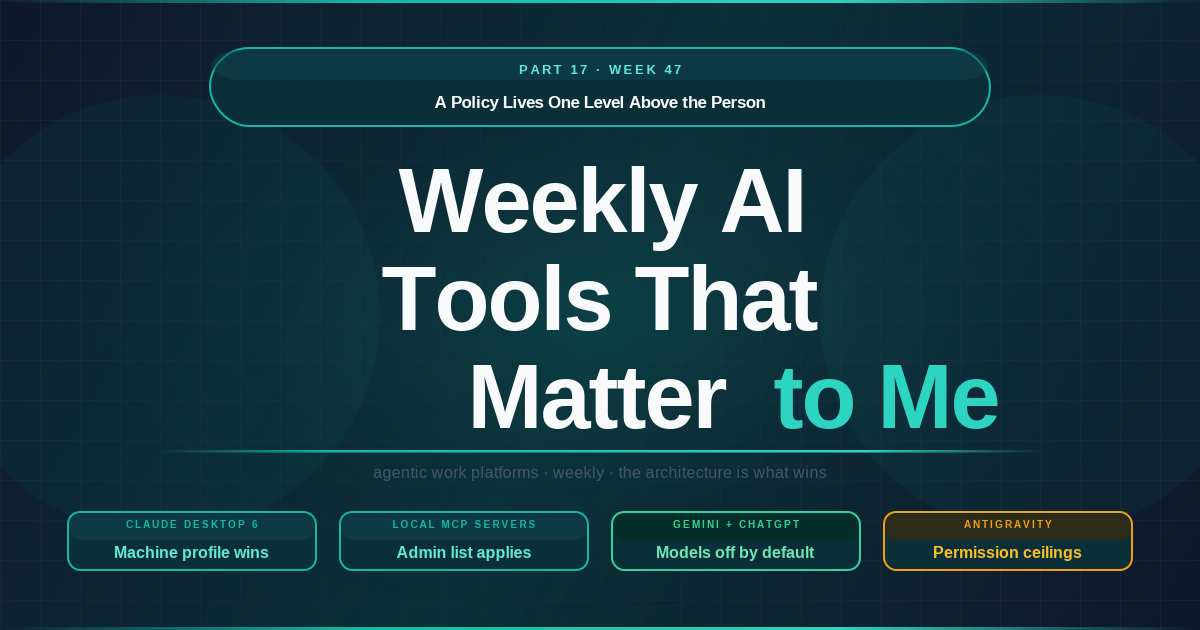
One line in the Claude Desktop changelog carries the word “breaking” this week. From v6.6395.0, Claude Desktop on macOS ignores a user-level configuration profile on any computer where a machine profile exists, and the note asks administrators to move the settings they still need, retention periods included, to the machine profile before updating. The Week 47 AI Watch has the full entry. I think it is the right decision, and I think it says something about every other setting we call a policy.
TL;DR
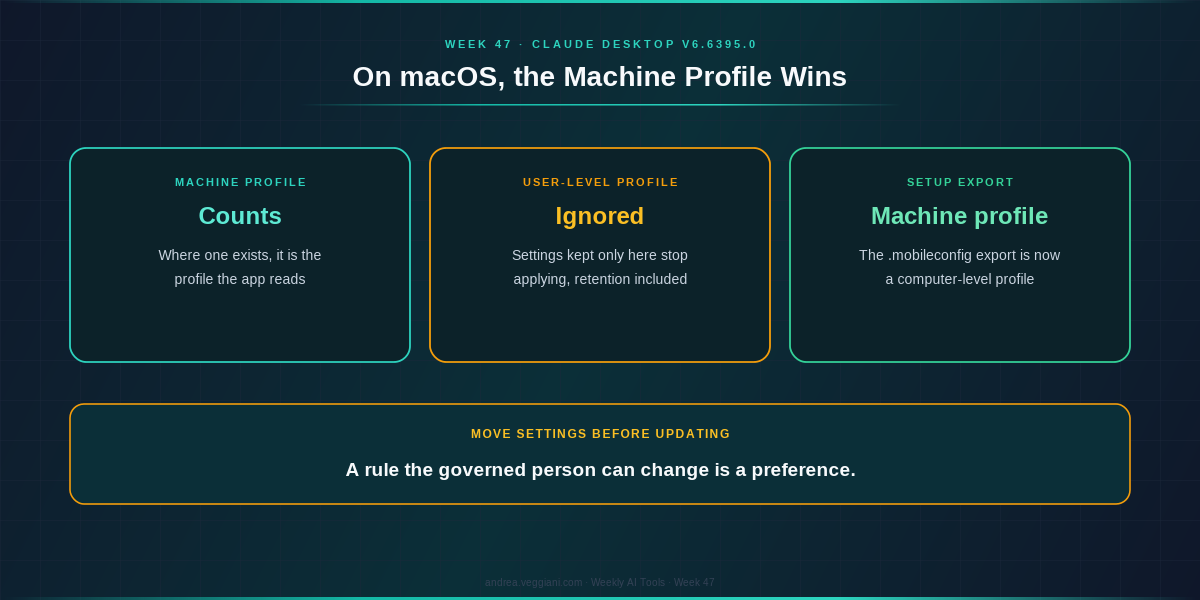
- The machine profile wins. From Claude Desktop v6.6395.0, the macOS app ignores a user-level configuration profile wherever a machine profile exists, so settings kept only at user level, retention periods included, stop applying after the update.
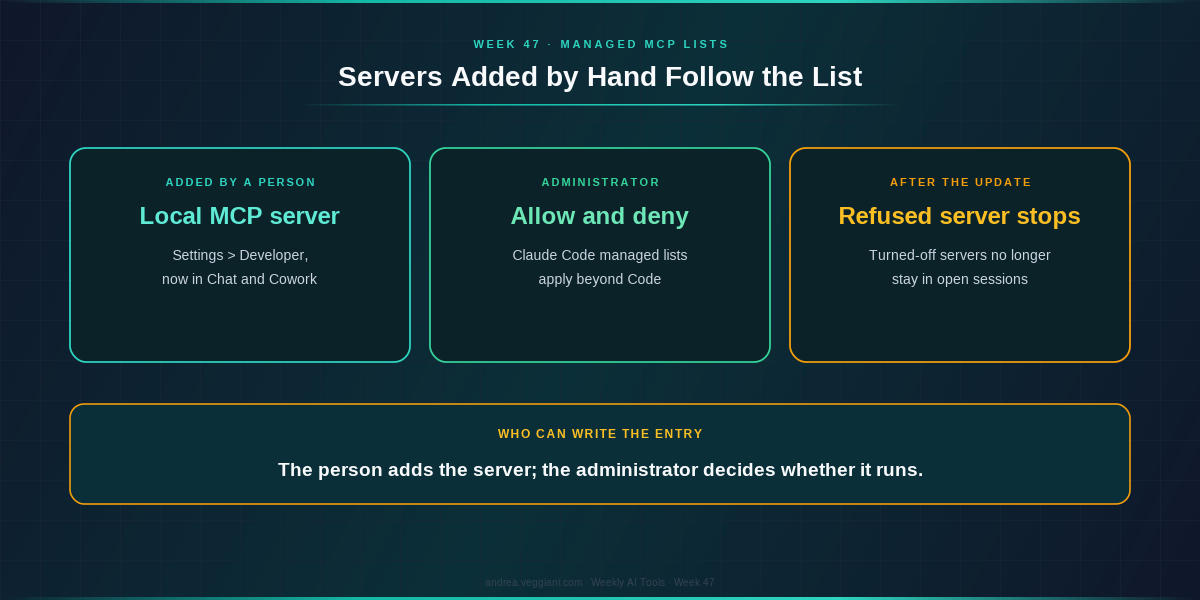
- Hand-added servers follow the list. The allow and deny lists in Claude Code managed settings now cover local MCP servers that a person adds under Settings > Developer, in Chat and Cowork too, and a refused server stops.
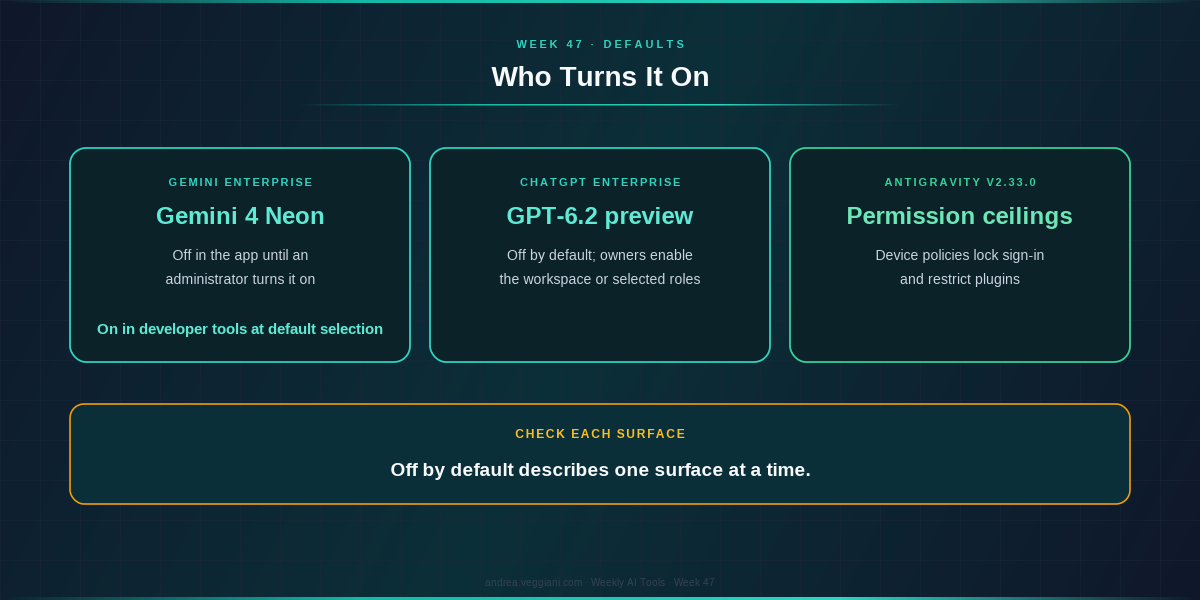
- Switches move up a level. Antigravity v2.33.0 lets device management policies lock sign-in and enforce permission ceilings, and new models in Gemini Enterprise and ChatGPT Enterprise ship off until an administrator or workspace owner turns them on.
- Off by default is per surface. Gemini 4 Neon is on by default in the AI developer tools when the organisation uses the default model selection.
A setting stored at user level is a preference
A configuration profile on macOS can be written for one account on a computer or for the computer itself, whoever signs in. The wording of the note implies that until this version the desktop app read both. Now, where the two exist, only the one tied to the computer counts. The changelog draws the consequences without softening them: the profile that the app’s own Setup screen exports is now a machine profile, and a connection that was configured only at user level stops working after the update.
The practical effect is that some organisations will update and find that a rule they believed was in force no longer applies, because it was written at the level that is now ignored. Retention periods are the example the vendor chose to name, and for a marketing team it is a meaningful one, since the conversations an assistant keeps often contain segment definitions, campaign results and sometimes customer records.
The objection I expect comes from teams that used the user level on purpose. A pilot group with a longer retention period, an analyst with a connection the rest of the company does not have, a small company where nobody manages devices centrally: in all these cases the user-level profile was the convenient place to put an exception, and the changelog entry describes no replacement at the same level. That is a real cost, and the changelog marks it as breaking for this reason.
My position is that the cost is worth paying. In my reading, a rule is a policy only when the person it governs is not the one who keeps it. A profile that belongs to one account sits one step closer to that person than a profile that belongs to the computer, and when the two disagree somebody has to win. Before this release it was not obvious to me which one did. Now it is, and the answer is the one an auditor would expect. The exceptions that teams built at user level are legitimate needs, but they are a matter of scope, which group gets which rule, and scope is something the administrator should express when assigning machine profiles, not something that depends on where a file was installed.
A rule that can be changed by the person it governs is a preference with a formal name.
The administrator’s list now covers servers added by hand
The same version applies this idea to MCP servers. A person can add a local MCP server under Settings > Developer, and until now the allow and deny lists that an administrator writes in the Claude Code managed settings did not apply to those servers outside Code. From v6.6395.0 they apply in Chat and Cowork as well, and the note is direct about the consequence: “A refused server stops after the update.”
Last week’s essay was about how many entry points a single list covers. This week the question is a different one, which is who is able to write the entry in the first place. A local server added by hand in the developer settings is the clearest case of a setting that a user can create alone, and the release puts it under a list that the user cannot edit. For the teams I work with this is the list that matters most, because the MCP servers in question are the ones that connect an assistant to the engagement platform, the CDP and the advertising accounts.
Two smaller entries complete the picture. The first is a fix: servers and desktop extensions that an administrator turned off in the admin console were staying available in Cowork and Code sessions that were already open, and now they do not. The second is more unusual. Auto mode already ignored some wildcard allow rules for shell commands, and it now ignores them when they are written in managed settings too. I read this as the vendor saying that there is a level above the administrator as well, at least for the rules that would let an agent run almost any command without a check. One can disagree with the choice, but it is consistent with the rest of the release: the closer a rule is to removing a control, the higher the level at which it is decided.
The other platforms place the switch at the same level
Claude Desktop is not the only product that moved in this direction in the record.
Google Antigravity’s v2.33.0 lets device management policies in its admin settings file lock sign-in and project settings, enforce permission ceilings, disable remote control and restrict plugins. A permission ceiling is the same idea expressed as a number: the user still chooses, but inside a range that somebody else has set. The same version fixes a case in which hooks or wildcard rules could bypass an enforced review, which in my reading is the kind of gap that appears when a user-level rule and an administrator’s rule meet.
The model releases follow the pattern too. In Gemini Enterprise the new Gemini 4 Neon is generally available and turned off by default in the app until an administrator turns it on. In ChatGPT Enterprise the preview of GPT-6.2 Astra and Sol is off by default, and workspace owners enable it for the workspace or for selected roles. Among the agentic work platforms I follow in the AI Watch, on public documentation as of publication, I prefer this arrangement to a default that is on with an opt-out, because it makes the first decision an explicit one and gives it an owner.
There is an exception in the Gemini Enterprise note that I would not skip. In the AI developer tools the same model is enabled by default when the organisation uses the default selection of authorised models. It shows that “off by default” is a statement about one surface, and that an administrator has to check each of them.
What I take from the week is a simple way to read a settings page. For each rule I care about, I ask where it is stored and who can write there. If the answer is the same person the rule is meant to guide, I treat the rule as a habit that will hold on good days, and I look for the level above.
If a user can set it, it is not a policy, and this week one vendor stopped reading the settings that suggested otherwise.
Sources
Anthropic
- Claude Desktop release notes. Source for v6.6395.0 (17 November 2026): the user-level and machine profile change on macOS, the managed MCP lists for local servers in Chat and Cowork, the fix for servers staying available in open sessions and the Auto mode wildcard rules.
- Google Antigravity changelog. Source for v2.33.0 (17 November 2026): device management policies and the fix for bypassed reviews.
- Gemini Enterprise release notes. Source for Gemini 4 Neon availability and defaults, 18 November 2026.
OpenAI
- ChatGPT Enterprise and Edu release notes. Source for the GPT-6.2 Astra and Sol preview and its default, 17 November 2026.
The record
- AI Watch, Week 47. Every date and status referenced in this essay.
- Weekly AI Tools, Part 16. Last week’s essay on how many entry points one list covers.
- Weekly MarTech Signals, Part 29. The same week on the CEP and CDP platforms.
The digest behind each weekly article is produced through a structured AI-assisted scan of official release notes and product update sources. I review the output, verify the relevant signals and write the interpretation.
This article draws from the AI Tools Weekly Digest scans run on November 19, 2026, covering release notes and product updates across the major agentic work platforms. The dated record behind it is in AI Watch, Week 47.
If you find errors or gaps in coverage, I want to know. The process improves when the output is challenged.