7 min read
Move First What You Can Afford to Get Wrong
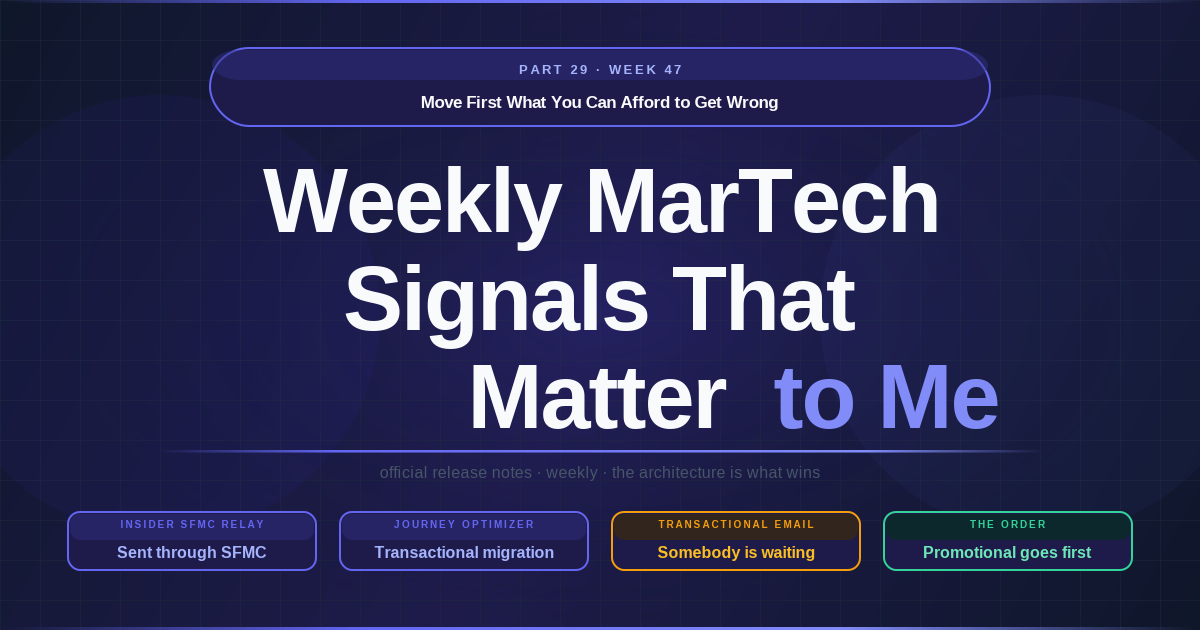
Two documents in the Week 47 MarTech Watch describe how to move email from one platform to another, and each of them covers only one kind of email. Insider’s new page on SFMC Relay says that the feature “works for promotional bulk emails only for the moment”. Adobe Journey Optimizer’s November release notes say that the migration workspace now supports Campaigns, and the capability they describe converts transactional emails into API-triggered campaigns. Both are available to a limited set of customers, and neither vendor says in which order a migration should proceed. I think the order matters more than either tool, and my position is that promotional email goes first and transactional email goes last.
TL;DR
- Two tools, two kinds of email. Insider’s SFMC Relay sends promotional bulk email built in Insider One through the customer’s own Salesforce Marketing Cloud account, and Journey Optimizer’s migration workspace now turns transactional emails into API-triggered campaigns. Both are in limited availability.
- Transactional email goes last. Each message is one somebody is waiting for, its trigger lives in an application another team owns, and it teaches the team little about segmentation, consent or journey design.
- The relay fits the first phase. The team builds in the new platform while sender identity, domains, IP addresses, suppression and reporting stay in SFMC; the price is no opens and clicks in Insider One yet, no automatic A/B winner or Send Time Optimization, and one Salesforce API call per recipient.
- The workspace fits the last phase. Its steps assume channel configurations, templates and identity namespaces already exist, and the application that calls the API still has to be changed by the team that owns it.
Transactional email is the worst place to learn a new platform
The opposite view is common, and it is reasonable. Transactional email looks like the natural first step of a migration because there is little of it to move. In my experience a company with a long calendar of promotional campaigns has a short list of transactional templates, which have no audience logic, are already triggered through an API and change rarely. A project manager who needs a first milestone sees a small, well-defined package. There is also a deliverability argument: password resets and order confirmations are messages that people look for and open, so they look like the ideal traffic for building reputation on new IP addresses and domains.
I would still leave them for the end, for three reasons that come from the projects I have worked on and that I offer as my own reading, since no vendor states them as a rule.
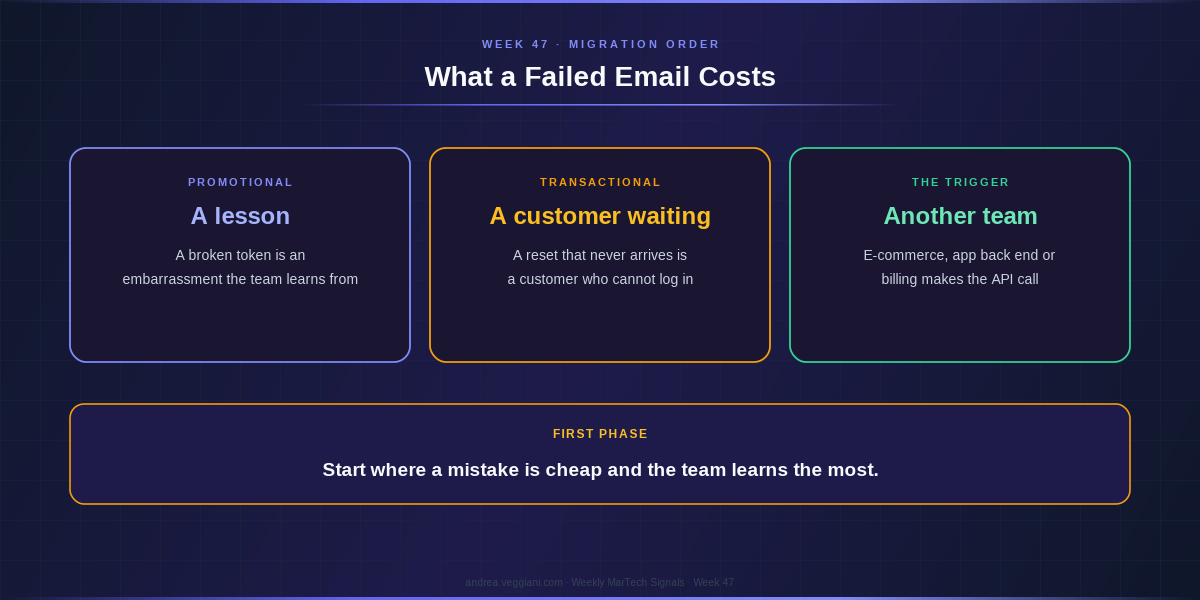
The first is the cost of an error. A promotional campaign that goes out with a broken personalisation token is an embarrassment and a lesson. A password reset that does not arrive is a customer who cannot log in, and an order confirmation that does not arrive is a call to customer service. The volumes are small, but each message is one that somebody is waiting for.
The second is ownership. A transactional email is triggered by a system that marketing does not control, such as the e-commerce platform, the mobile app back end or the billing system. Moving the template is the easy part. The real change is in the application that makes the call, which has to point to a new endpoint with a new payload and new credentials, and that change follows the release calendar of another team.
The third is that transactional email teaches the team very little about the new platform. It does not exercise segmentation, consent, frequency rules or journey design, which are the parts where a new platform behaves differently from the old one and where the team needs months of practice. As for reputation, I keep transactional and promotional traffic on separate IP addresses and subdomains, so what one builds does not carry over to the other.
The first phase of a migration should be the one where a mistake is cheap and the team learns the most.
Insider’s relay belongs to the first phase
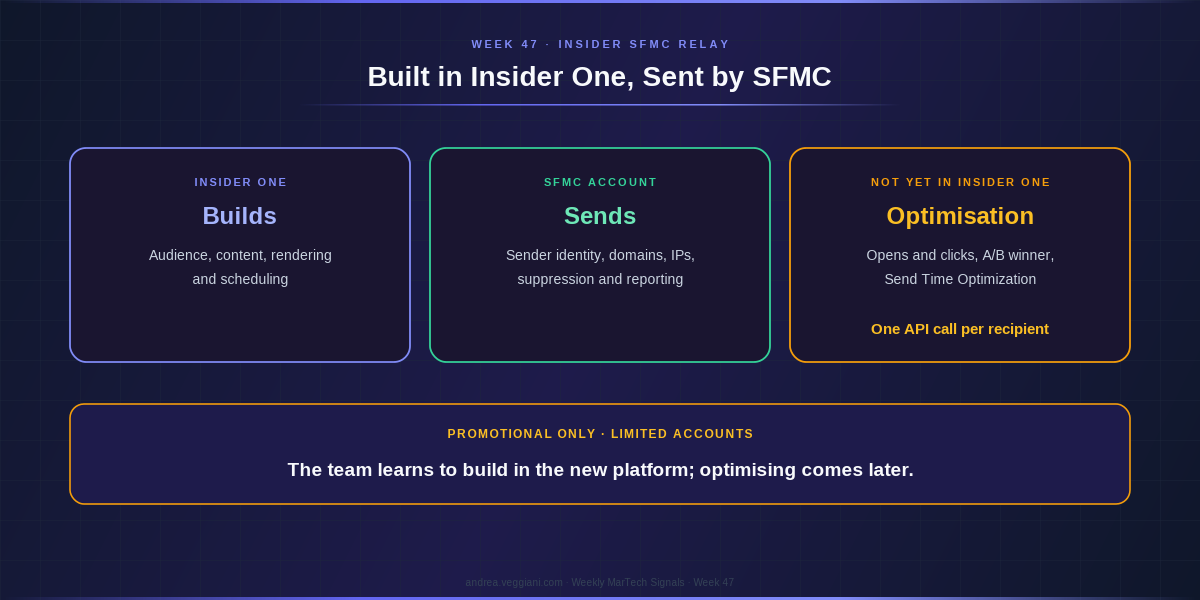
Read with this order in mind, SFMC Relay is a tool for the beginning. The team builds, personalises and schedules promotional email in Insider One, and the customer’s own Salesforce Marketing Cloud account sends it. The sender identity, the domains, the IP addresses, the suppression and the reporting stay where they are, and the page says explicitly that no IP warm-up is needed in Insider One for this path.
This is what I would want from a first phase. The team works every day in the new audience builder and the new editor, on real campaigns, while the part of email that takes longest to rebuild is not touched. I argued in Part 26 that a migration is a long period in which two platforms live together, and the relay is one way to give that period a shape.
The same page is equally clear about the price, and a plan should include it. Opens and clicks are read in the SFMC account and are not available in Insider One yet, so the platform that selects the audience does not see how the audience reacted. A/B tests with automatic winner selection and Send Time Optimization are not available on this path. Insider One makes one API call to the SFMC account for every recipient, and those calls count toward the Salesforce allowance, so a large list has a cost that has to be checked before the first send. Finally, an account cannot send some promotional campaigns through the relay and others through Insider’s own delivery. It is one path or the other.
In my reading, this means that the relay teaches the team how to build in the new platform but not yet how to optimise in it, and the first phase should be planned with that limit written down.
Adobe’s migration workspace belongs to the last phase
The Journey Optimizer page on migrating content and journeys now has a section for transactional email. The workspace connects to the source platform, imports the transactional emails selected by the user and turns each one into a draft of an API-triggered campaign. Before migrating a draft, the user chooses the channel configuration, the content template, the tracking settings and the identity namespace that identifies the recipient, and the campaign is published when it is ready.
I find the list of those choices more informative than the import itself. In my experience of the platform, a channel configuration exists when the sending domains and addresses have already been set up in Journey Optimizer. A content template and an identity namespace are chosen well by a team that already knows how the platform models content and people. The steps describe an organisation that has been working in Journey Optimizer for some time, which is the situation at the end of a migration.
The steps on that page all happen inside Journey Optimizer. The application that calls the API still has to be changed by the team that owns it, and a tool that converts templates does not do that part. For this reason I would use the workspace as an accelerator for the last phase, when promotional sending has already moved, the reputation of the new setup is established and the only remaining work is the one that depends on other teams.
The order is a risk decision, not a tooling decision
On public documentation as of publication, Insider and Adobe each offer help for a different half of the work, and I prefer to use them in that order whatever the destination platform is. The preference rests on two documented facts, the promotional-only scope of the relay and the transactional scope of the new Adobe section, and on one judgement of mine about where an error costs more.
A peer could answer that a vendor’s tool should set the order, because the supported path is the one with less effort. I would accept the effort argument and still reject the conclusion. A migration tool reduces the hours needed to move an asset, and it says nothing about what happens when the moved asset fails on a Monday morning. That depends on what kind of message it is and on who is waiting for it.
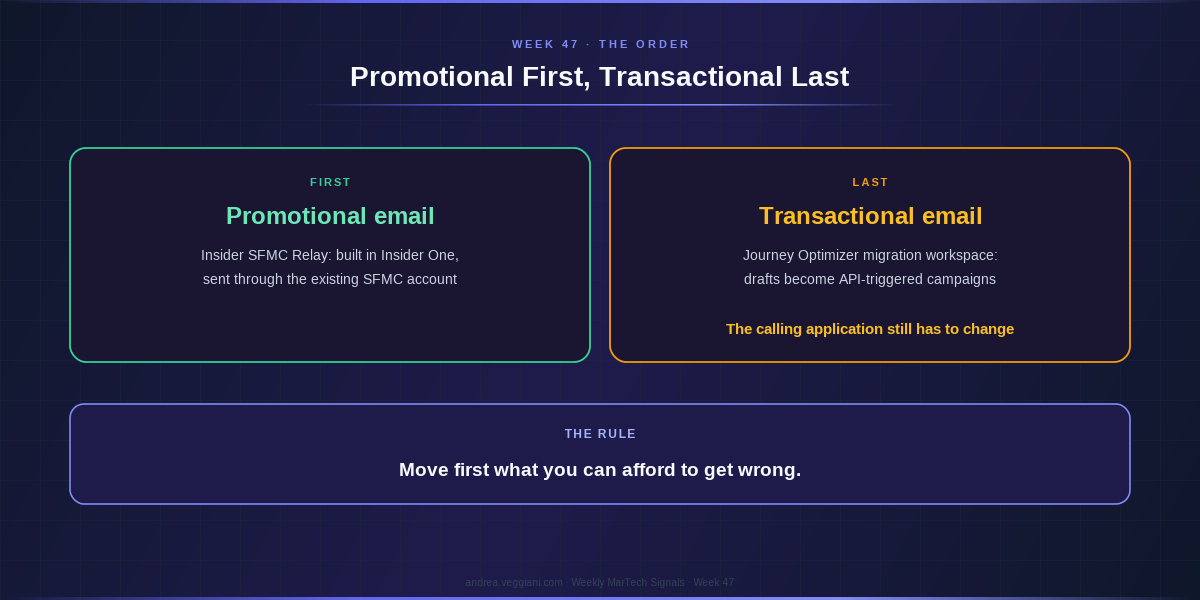
Move first what you can afford to get wrong, and move last what a customer is waiting for.
Sources
Insider
- SFMC Relay. Source for the scope of the feature, the split of responsibilities with the Salesforce Marketing Cloud account, reporting, the API calls per recipient and the list of what is not supported yet. Page dated 16 November 2026, read in full on 19 November 2026.
Adobe Journey Optimizer
- Journey Optimizer release notes. Source for the migration of transactional email campaigns, limited availability, availability date 17 November 2026.
- Migrate content and journeys. Source for the steps of the transactional email migration. Read in full on 19 November 2026.
The record
- MarTech Watch, Week 47. Every date and status referenced in this essay.
- Weekly MarTech Signals, Part 26. The earlier argument that a migration is a period in which two platforms live together.
- Weekly AI Tools, Part 17. The same week on the agentic work platforms.
The digest behind each weekly article is produced through a structured AI-assisted scan of official release notes and product update sources. I review the output, verify the relevant signals and write the architectural interpretation.
This article draws from the Martech Weekly Digest scans run on November 19, 2026, covering 13 to 19 November across several CEP platforms and vendors. The dated record behind it is in MarTech Watch, Week 47.
If you find errors or gaps in coverage, I want to know. The process improves when the output is challenged.