8 min read
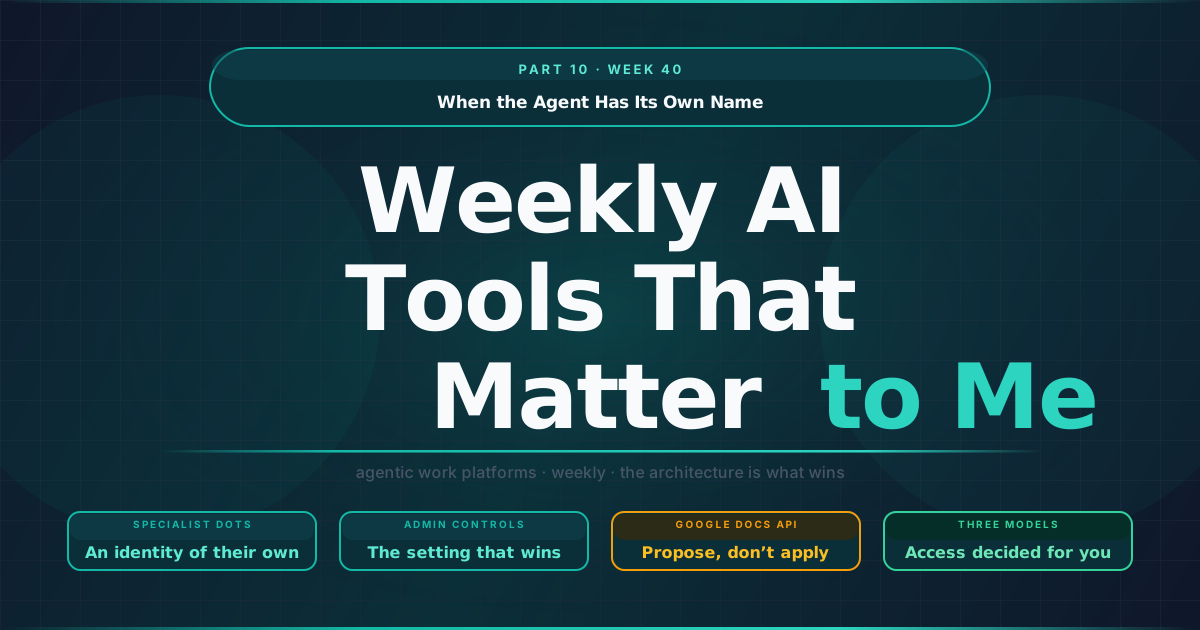
When the Agent Has Its Own Name
On the client stacks I work on, agents have so far worked under someone else’s name: the user who connected them, or a service account an administrator created for them. OpenAI’s DevDay changed the default question. Alongside dots that work on your behalf, it previewed specialist dots with an identity of their own, and the rest of the week’s release notes read, in my view, like the other side of the same argument: vendors tightening what an agent may do when it borrows yours.
TL;DR
- OpenAI’s specialist dots arrive with an identity of their own. Ordinary dots run on GPT-6 Astra with their own cloud computer, work on your behalf under allow, ask or block rules and research in the background through read-only tools, while the specialist dots in enterprise pilots get their own identity, credentials and system access.
- Agents that borrow a person’s identity got stricter guardrails. Claude Desktop’s “Restrict to Ask” now holds in Skip all approvals mode, Antigravity closed a permission-prompt gap on
.git,.envand.vscodefiles, and Gemini Enterprise moved to resource-level roles. - Suggestion mode is becoming an API. The Google Docs API can now submit suggested edits for a person to accept, the same propose-then-approve shape as Braze’s Agentic Standards.
- Skills become a file format, and new models ship with access decided for you. Google’s skills use the SKILL.md standard, while Sonnet 5.5 falls back visibly on higher-risk cyber tasks, GPT-6.1 Sol needs administrator enablement and Gemini 4 Argon goes to cyber defenders first.
A specialist dot is not you
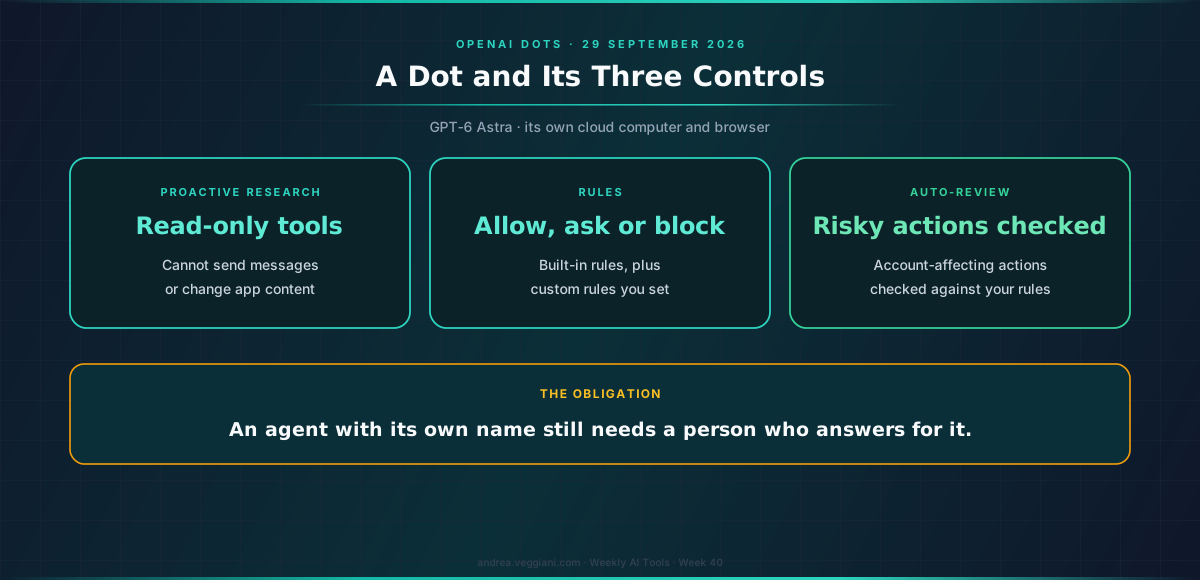
OpenAI’s release notes describe the setup in one line: “Give your dot a goal, connect the apps it needs, and define what it can do on its own.” The launch page fills in the design. Each dot runs on GPT-6 Astra and works on its own cloud computer with its own browser, on your behalf: you choose which apps it can access and manage its permissions through your existing ChatGPT app controls. You can open its computer at any time to check its work, and you can let it connect to your own devices if you choose.
Three controls are worth understanding before anyone turns one on. When you are not actively working with it, a dot looks for ways to help through what OpenAI calls proactive research, using connected apps through read-only tools that cannot send messages, edit app content, or control the browser or computer. Built-in rules decide when it acts alone and when it asks, and custom rules let you allow specific actions, require approval for them, or block them. And an automatic verification step checks actions that could affect your accounts or share information against your instructions and rules; some sensitive tasks, such as changing a password, always stay with you.
The identity question changes with the specialist dots OpenAI is previewing for organisations, which the company configures with their own identity, credentials and system access, starting as engineering-led pilots in areas that include procurement, invoice processing, email marketing, customer support and commercial contracts, and it is working with Microsoft to bring them under Agent 365’s governance controls. Availability matters for readers in Europe: per the release notes, the rollout covers eligible Pro and Business Premium users in supported markets, Pro access excludes the European Economic Area, Switzerland and the UK at launch, and Enterprise access is a beta that is off by default.
In my reading, an agent identity is the cleanest answer to the audit question, because the log names the agent that acted, which a person who may not have been watching cannot do on its behalf. It also creates a new obligation: an agent with its own credentials needs an owner who answers for it, in the same way a service account does. The MarTech essay this week compares this model with the ones Braze and Marketo chose.
The inherited model, tightened one setting at a time
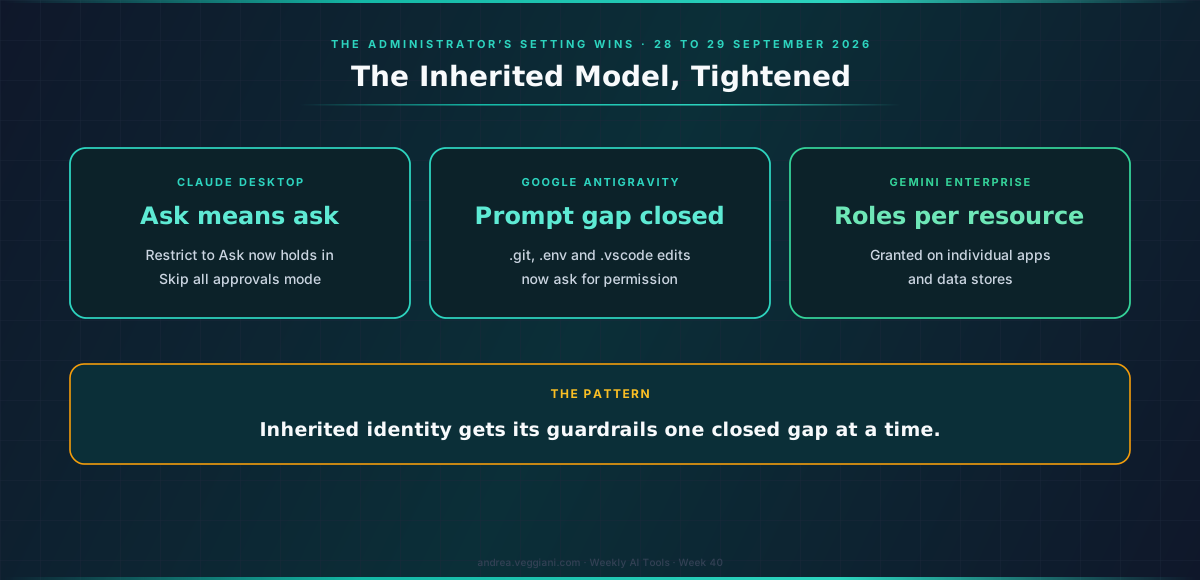
Most agents in production still act under a person’s identity, and several release notes this week made that arrangement stricter. Claude Desktop’s 29 September release changed how an organisation’s tool policy behaves in Cowork: a connector tool set to “Restrict to Ask” now asks for approval “including in ‘Skip all approvals’ mode”, for newly started tasks. The same release added deniedPluginMcpServers, URL patterns for remote servers that plugins may not connect, and “A match stays blocked even when allowedPluginMcpServers admits it.”
Google’s Antigravity fixed two issues that point in the same direction. Version 2.18.1 fixed “an issue where files in .git, .env, and .vscode directories could be modified without a permission prompt under Default and Request Review permission presets”, and 2.19.1 fixed custom agents ignoring global and project rules, both recorded in the changelog. Gemini Enterprise added resource-level permissions, so administrators can grant roles on individual apps and data stores rather than across a whole Google Cloud project, as the release notes describe.
My inference from the week is that inherited identity is getting its guardrails one closed gap at a time. Each of these changes makes the administrator’s setting win over a user’s convenience setting, which is the order most governance teams assume is already in place. The release notes are where you learn which assumptions were true.
Propose, don’t apply
A smaller change from Google may outlast the bigger announcements. The Google Docs API now supports suggested edits, allowing automated tools and third-party systems to “propose document revisions for user review rather than altering content directly”, according to the Workspace update. The Sheets and Slides APIs gained comment support as well.
The same pattern appears in the week’s other releases. Braze’s Agentic Standards, announced in beta, can apply fixes to a campaign “with human sign-off wherever a brand wants it” and logs each check and fix. OpenAI’s dots verify account-affecting actions before they run. For content teams using agents on briefs, copy and brand guidelines, I would make suggestion mode the default way an agent writes to a shared document: the agent drafts, a person accepts, and the document’s history shows both.
Skills become a file format
Google announced that skills will replace Gems in the Gemini app and Workspace, and what it chose is a format: skills are built on the open, Markdown-native SKILL.md standard, can be stacked in one prompt, and can be copied in from other platforms, as the Workspace update explains. Google’s own example is a brand voice skill for drafting blog posts. Rollout in Workspace starts on 5 October and in the Gemini app on 13 October; for business and enterprise customers, Gems stop working no sooner than 1 March 2027, with remaining Gems auto-migrated to draft skills. Skills do not sync between the Gemini app and Workspace, so each one has to be created where it will be used.
Alongside it, Antigravity added a plugin marketplace and OpenAI opened plugin extensions and MCP Events, which let plugins start automations when something changes in a connected app. A shared file format is good news for portability. In my reading it also means one file can run in several assistants with different permission models, so the review of what a skill instructs an agent to do should travel with the file itself.
Three new models, read for how they ship
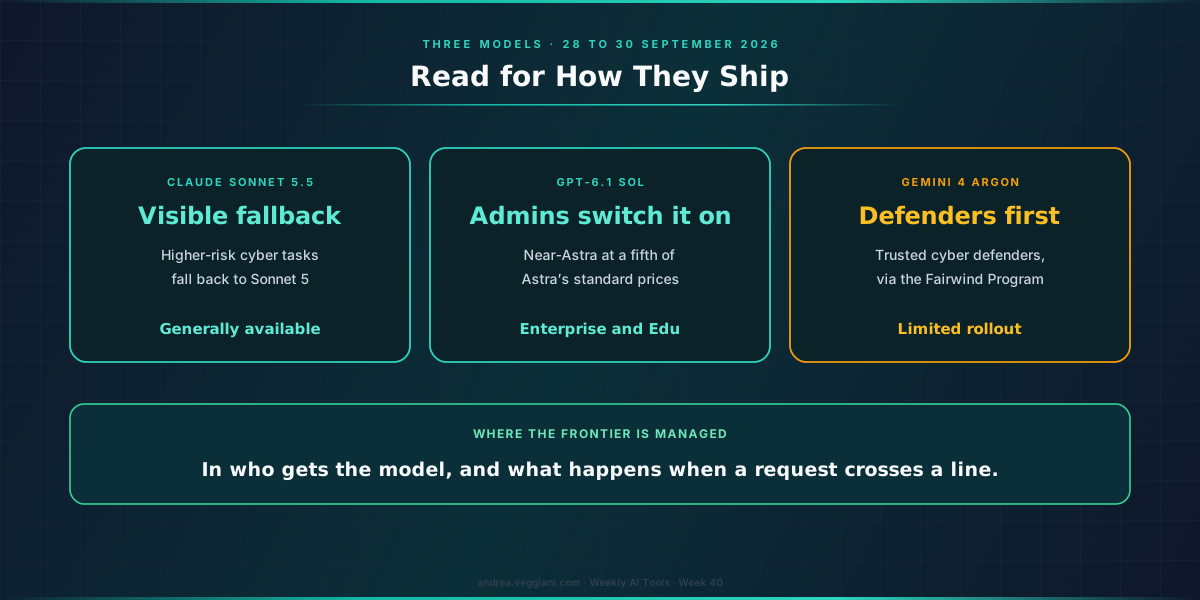
Three model releases arrived as well, and I find their deployment posture more useful than their benchmarks. Anthropic’s Claude Sonnet 5.5 “runs 30%+ faster, and costs up to 30% less for most work” than Sonnet 5 at the same price, and it is the first Sonnet launched with cyber safeguards, where higher-risk security tasks “will visibly fall back to Sonnet 5.” OpenAI’s GPT-6.1 Sol offers near-Astra performance at a fifth of Astra’s standard prices, and Enterprise and Edu administrators must enable it. Google’s Gemini 4 Argon is rolling out first to trusted cyber defenders, with broader availability promised as soon as possible.
Two of the three ship with access decided by someone other than the end user, and the third ships with a visible fallback. On public documentation as of publication, that is where the frontier is being managed: in who gets the model and what happens when a request crosses a line.
When the agent has its own name, someone still has to answer for it, and that someone should be named before the first task runs.
Sources
OpenAI
- ChatGPT release notes. Source for the dots setup line, availability, the EEA, Switzerland and UK exclusion and the Enterprise beta.
- Introducing dots. Source for the cloud computer, app permissions, proactive read-only research, allow, ask and block rules, automatic verification, the specialist-dot identity and the Agent 365 integration, published 29 September 2026.
- DevDay 2026 recap. Source for GPT-6.1 Sol, plugin extensions and MCP Events.
- ChatGPT Enterprise and Edu release notes. Source for the administrator enablement of GPT-6.1 Sol.
Anthropic
- Claude Desktop changelog. Source for the Restrict to Ask change and deniedPluginMcpServers.
- Introducing Claude Sonnet 5.5. Source for speed, cost and the cyber fallback.
- Antigravity changelog. Source for the 2.18.1 and 2.19.1 fixes and the plugin marketplace.
- Gemini Enterprise release notes. Source for resource-level permissions.
- Programmatic comment and suggestion support. Source for Docs API suggested edits.
- Skills in the Gemini app and Workspace. Source for SKILL.md, the dates and the sync limitation.
- Gemini 4 Argon. Source for the defenders-first rollout.
Braze
- Braze Accelerates AI Innovation. Source for Agentic Standards and sign-off.
The record
- AI Watch, Week 40. Every date and status referenced in this essay.
- MarTech Watch, Week 40. The Braze and Marketo identity models.
- Weekly MarTech Signals That Matter to Me: Part 22, Week 40. The same week on the customer engagement beat, where Braze and Marketo answered the identity question for their own agents.
The digest behind each weekly article is produced through a structured AI-assisted scan of official release notes and product update sources. I review the output, verify the relevant signals and write the interpretation.
This article draws from the AI Tools Weekly Digest scans run on October 1, 2026, covering release notes and product updates across the major agentic work platforms. The dated record behind it is in AI Watch, Week 40.
If you find errors or gaps in coverage, I want to know. The process improves when the output is challenged.