8 min read
What the Assistant Shows, and What a Draft Carries
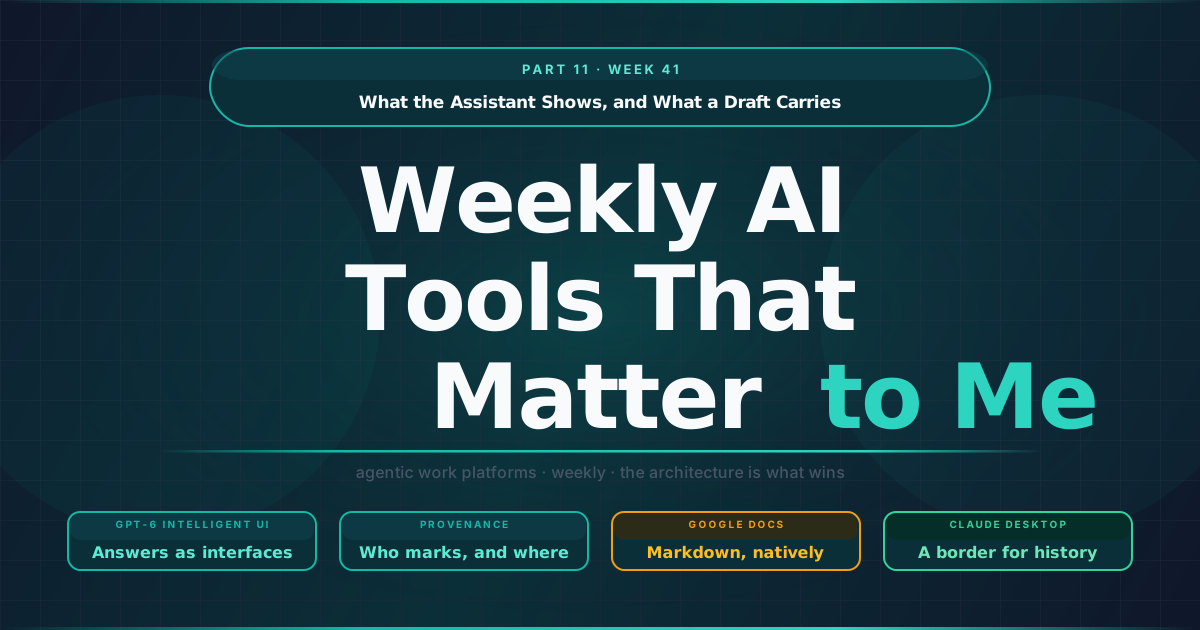
For most of the past year, the output of an assistant has been a block of text that someone copies into something else: a brief, a deck, a campaign, a reply to a customer. The releases in the Week 41 AI Watch change both ends of that habit. The answer itself is starting to arrive as a working interface, and the text that does get copied now carries different signals depending on where it came from and where it goes next.
TL;DR
- The answer is starting to arrive as an interface. GPT-6 with Intelligent UI is rolling out across ChatGPT tiers, so a response can be a chart, a form or a small tool, which moves a brand’s representation in assistants toward clean, structured data.
- Whether AI text carries a mark depends on the vendor, the surface and the region. OpenAI will watermark eligible ChatGPT and Codex text in the EU and keeps it opt-in on the API, while Anthropic marks at the model level across every Claude surface worldwide.
- Markdown becomes the handoff format between agents and reviewers. Google Docs now edits Markdown natively, so the agent’s file and the reviewer’s file can be the same file.
- Chat history gets a border. A new Claude Desktop setting lists the organisations users may import history from, and each import is logged.
The answer arrives as a tool
OpenAI began rolling out GPT-6 with Intelligent UI in ChatGPT, and the description is short enough to quote: responses “can include graphics, tappable buttons, forms, charts, and interactive experiences you can use directly in your conversation.” The model chooses the format according to the question, a comparison side by side, an explanation as an interactive diagram, a plan with a timeline, and OpenAI adds that “when a simple text answer is the most useful response, ChatGPT can give you that.” Answers can also start while the model is still thinking and fill in as it finishes.
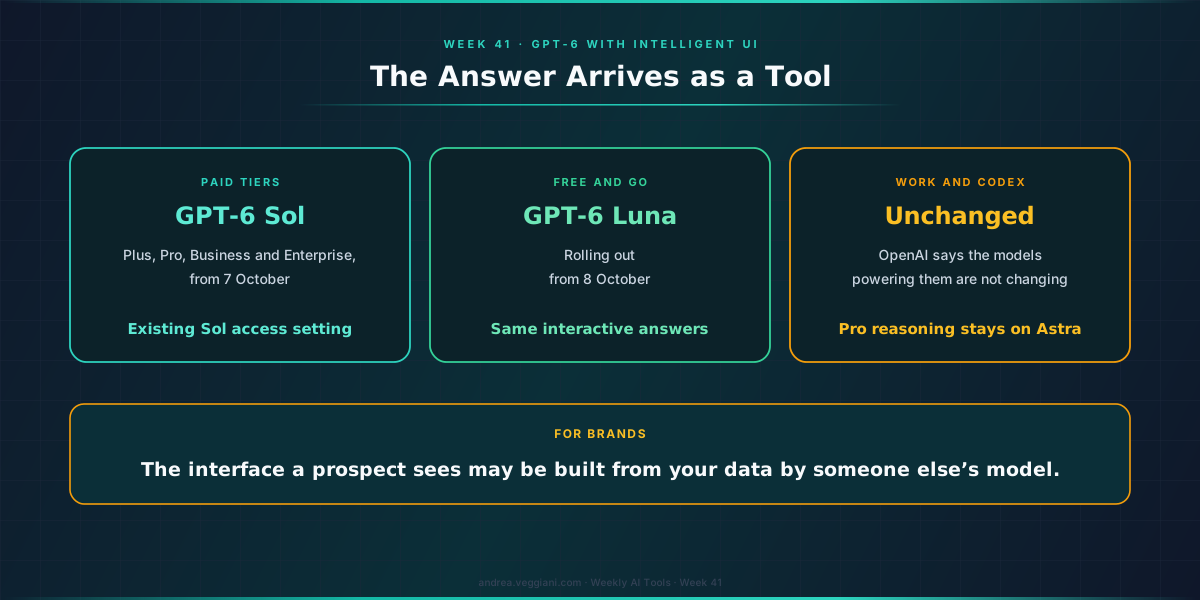
The rollout details matter for anyone running a workspace. Paid tiers get GPT-6 Sol, Free and Go get GPT-6 Luna, and OpenAI states plainly that the models powering Work and Codex are not changing with this release. In the Enterprise release notes, GPT-6 uses the existing GPT-6 Sol access setting, so an organisation that already allowed Sol has allowed this, and there is no new admin preview period. The Pro reasoning option stays on GPT-6 Astra and does not render these interfaces.
What interests me as a marketer is where this puts product discovery. A question like “which of these three plans suits a family of four” has until now produced paragraphs that a brand could hope to be mentioned in. With Intelligent UI the same question can produce a comparison table with filters, or a calculator with the user’s own numbers in it. The answer becomes a small piece of software, designed on the fly by the assistant rather than by the brand being compared.
In my reading, that shifts the work of being represented well in an assistant away from wording and toward data: prices, plan attributes, availability and constraints that a model can lay out in a table or feed into a calculator without guessing. Brands already publishing that information in a clean, structured form start from a better position than brands whose details live in PDFs and promotional copy. OpenAI’s closing line points the same way: “Instead of people adapting to software, software will adapt to people.” For a marketing team, the practical reading is that the interface a prospect sees may be built from your data by someone else’s model, so the data had better be the thing you control.
Where the mark applies is a policy choice
The text that does leave the assistant is starting to carry provenance signals, and two vendors published how theirs work, with different scopes. I covered what a mark can and cannot prove in Part 4; the new information is where the marks apply and who can read them.
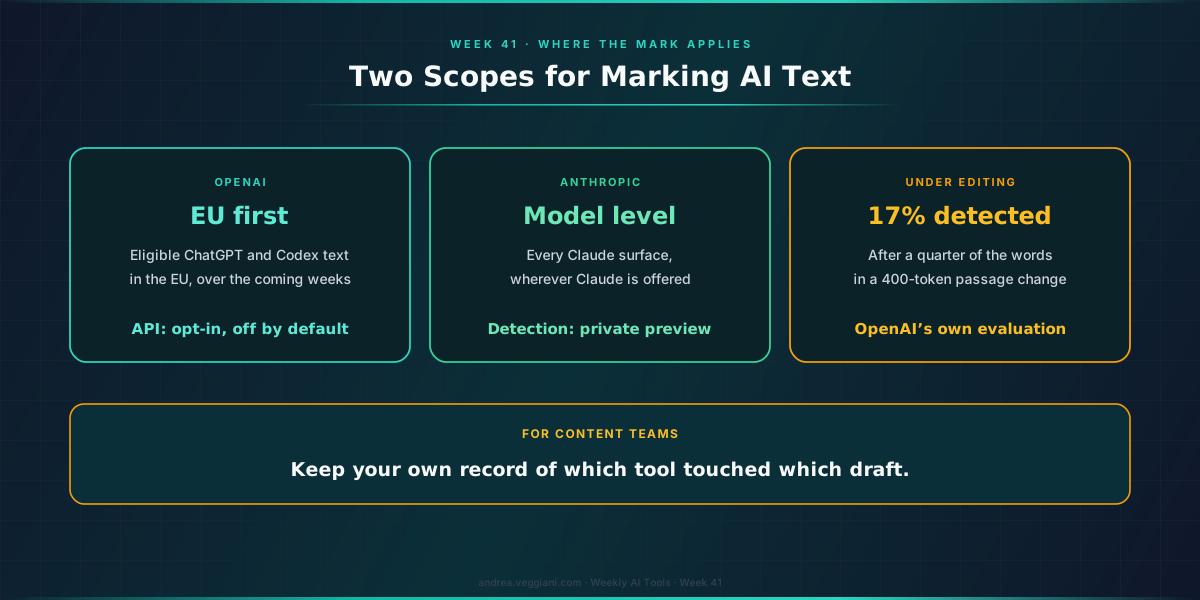
OpenAI’s approach to EU text provenance has three parts. Over the coming weeks it will add an invisible watermark to eligible ChatGPT and Codex text in the European Union, not as a global default. API customers anywhere can opt in to watermarking for select models, and it stays off by default. The detector is open to approved researchers and expert organisations, not to the public. OpenAI also published how detection behaves under editing: in its evaluation, replacing a quarter of the words in a 400-token passage cut detection to 17%.
Anthropic updated its page on how Claude marks AI-generated content on 7 October. It describes marking applied at the model level, so text watermarks are present “no matter which Claude product or surface the text comes from”, across the API, Claude, Claude Code, Cowork and Claude Tag, “wherever Claude is offered, worldwide.” Its model table now lists text watermarks for models released before August as well as current ones. Detection is in private preview for eligible organisations, including enterprises “similarly obligated to verify watermarking for their own compliance with the Act.”
I would not rank the two approaches; OpenAI explains its regional rollout as a way to learn from real use, and Anthropic explains its scope as following from its Code of Practice commitments. What the comparison shows, on public documentation as of publication, is that whether a piece of AI-assisted copy carries a mark now depends on the vendor, the surface, the region and, for one vendor’s API, a setting. For a content team that uses more than one tool, the mark alone cannot tell the story of a draft. The record of which tool touched which piece, and on which route, has to live in the team’s own workflow.
Markdown becomes the handoff format
The route a draft takes also got shorter. Google now lets users view, edit and collaborate on Markdown files directly in Docs, with rendered previews in Drive, rolling out from 5 October with no admin setting. Google’s own explanation of the problem is accurate: importing Markdown into a Doc “often altered formatting, stripped comments, and fragmented files.” Its explanation of the benefit names the audience directly: editing Markdown in Docs “enables both users and agents to collaborate without forcing anyone to write raw syntax, handle manual file conversions, or give up Docs’ real-time editing and commenting tools.”
Markdown is the format most assistants and agents write in, because it keeps headings, tables and lists without the weight of a document format. On the content workflows I see, the conversion from that format into the document where review happens is where structure breaks and where comments from the previous round get lost. If the agent’s file and the reviewer’s file are the same file, that step disappears, and the review history stays attached to the thing being reviewed.
In my reading, this makes the file, not the chat, the natural unit of work between agents and people: the agent writes it, people comment on it, the agent revises it. For marketing teams that already brief and review in Docs, it is a small change with a large effect on how many copies of a draft exist at once.
What crosses the organisation boundary
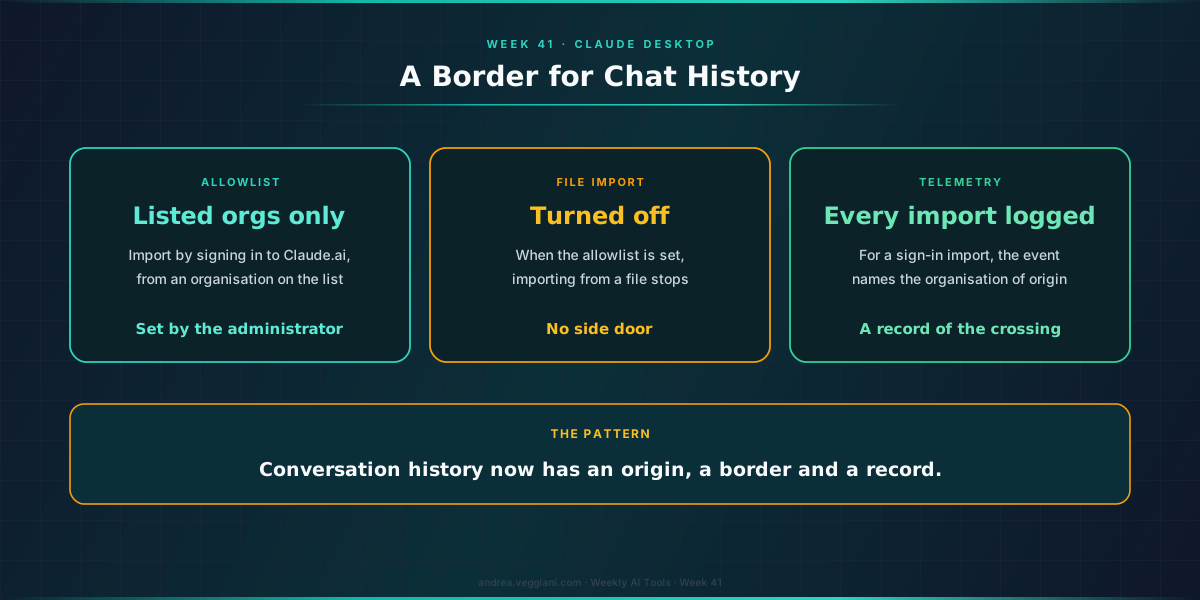
The last item is administrative, and I think it will matter more than it looks. Claude Desktop added a setting, claudeAiImport.allowedOrganizationUuids, that lists the Claude.ai organisations users may import chat history from. When it is set, users can import only by signing in to Claude.ai and only from an organisation on the list, and importing from a file is turned off. Each import is logged as a telemetry event, and for an import by sign-in the event names the organisation the history came from. The same release changed how connectors behave on a computer that several people share: each person keeps their own connector sign-ins, and a different person who signs in starts with their connectors disconnected.
Conversation history is no longer a by-product. It holds briefs, customer details pasted in for context, drafts and decisions, and people now carry it from one account to another when they change role or employer. A setting that decides which organisations’ history may come in treats that history the way companies already treat data: something with an origin, a border and a record of crossing it.
Verdict
I opened with the habit of copying an answer out of an assistant and into something else. That habit is not going away, but each half of it now involves a choice that used to be invisible: what the customer is shown inside the assistant, which signals a draft carries when it leaves, and whose history comes along with it. None of these choices is made for you by a default, and each is easier to settle before the first awkward question from a client or a regulator than after it.
What a customer sees in an assistant, and what a draft carries when it leaves one, are now design decisions, and the teams that write them down will be the ones that can explain them later.
Sources
OpenAI
- GPT-6 and Intelligent UI for everyone. Published 7 October 2026; source for Intelligent UI, the models by tier, Work and Codex unchanged, and the closing line quoted.
- ChatGPT Enterprise and Edu release notes. Source for the existing GPT-6 Sol access setting and no new admin preview period.
- ChatGPT release notes. Source for the Pro reasoning option staying on Astra.
- Our approach to EU text provenance rules. Published 5 October 2026; source for the EU rollout, API opt-in, detector access and the detection figure under editing.
Anthropic
- How Claude marks AI-generated content. Updated 7 October 2026; source for model-level marking, surfaces, worldwide scope, the model table and detection access.
- Claude Desktop changelog. Version 2.26454.0; source for the history import allowlist, the telemetry event and per-person connector sign-ins.
- Preview, edit and collaborate on Markdown files natively across Drive and Docs. Published 5 October 2026; source for the feature, rollout and the quotes on conversion and agent collaboration.
The record
- AI Watch, Week 41. Every date and status referenced in this essay.
- Part 4, Week 33. Earlier essay on what a mark proves.
- Weekly MarTech Signals That Matter to Me: Part 23, Week 41. The same week on the customer engagement beat, where the question was how far to let an agent go and in what order.
The digest behind each weekly article is produced through a structured AI-assisted scan of official release notes and product update sources. I review the output, verify the relevant signals and write the interpretation.
This article draws from the AI Tools Weekly Digest scans run on October 8, 2026, covering release notes and product updates across the major agentic work platforms. The dated record behind it is in AI Watch, Week 41.
If you find errors or gaps in coverage, I want to know. The process improves when the output is challenged.